Entry & exit automation
Connect identification, controllers and safe barrier operation.
SMART PARKING
Plan automated lanes, FASTag payment integration and floor-wise space guidance for your facility.
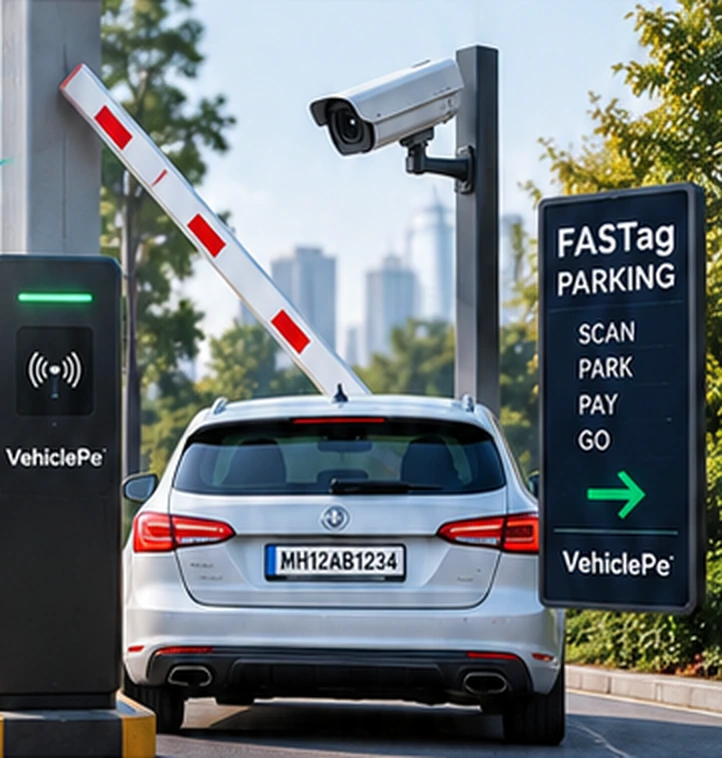 Illustrative visual
BUILT AROUND YOUR SITE
Connect identification, controllers and safe barrier operation.
Plan floor or bay detection for available, parked and reserved counts.
Define fares, passes, permissions and integration requirements.
PARKING EQUIPMENT & SOFTWARE
Explore the complete equipment catalogue. Final make, model and pricing are confirmed in the proposal.
14 items
Read vehicle FASTag at the entry and exit lanes.
Capture number plates and match entry–exit records.
Control vehicle movement with automated lane access.
Detect vehicle presence and support safe barrier operation.
Display lane instructions, fare and payment status.
Show available, parked and reserved spaces by floor.
Manage entry, exit, fares, passes and payment reports.
Connect and power your complete parking installation.
Keep an overview of your parking lanes and facility.
Manage residents, staff and regular visitors.
Provide a configured alternative payment workflow.
Print entry tickets and payment receipts.
Support staff ticketing and on-ground operations.
Review connected parking locations from one place.
Try a different search or clear the filters.
Images are illustrative, not final manufacturer specifications. The catalogue itself does not operate parking gates or process payments.
SPACE VISIBILITY
Choose floor-level counting or individual-bay detection according to your layout. Every connecting route needs to be covered for floor counting.
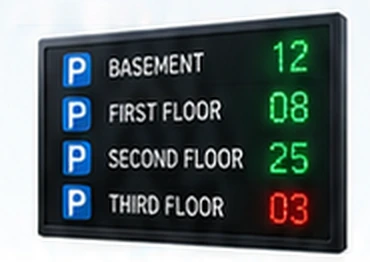 Illustrative display, not live occupancy
HOW IT WORKS
Parking, FASTag, transport, vehicle care or buy & sell.
Share your location, vehicle and requirement.
Review availability, scope and quote with the team.